
AeroModel
Documentation
Getting started
1. Get an API key
An API key is an opaque hex string, for example:
a3f02b1c9e8d7c6b5a4f3e2d1c0b9a8f7e6d5c4b3a2f1e0d
Send the key in every request via the x-api-key header. Requests without a valid key receive either a 401 Unauthorized (catalog endpoints) or a watermarked image (image endpoint).
See Authentication for other modes (URL param, Bearer).
2. Test connectivity
curl -i https://api.aeromodel.dash-systems.fr/v1/health
Expected response (200):
{
  "ok": true,
  "runtime": "cloudflare-workers",
  "stage": "production",
  "timestamp": "2026-04-30T12:34:56.000Z"
}
The /v1/health endpoint is public, no header required.
3. First image
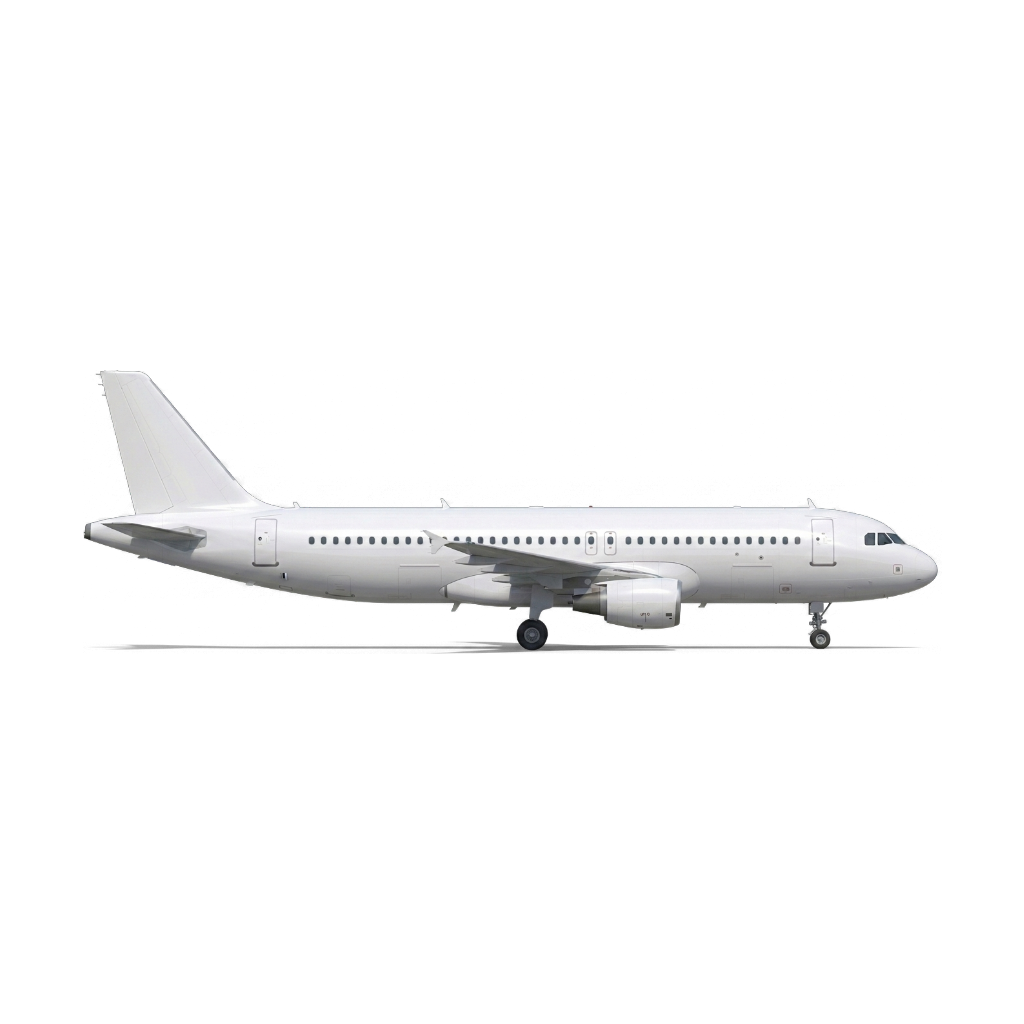
Minimal call (default plane)
The smallest possible request — just a plane slug, no airline, no extras — gives you the unbranded ("blank") render:
curl -o default.png \
  -H "x-api-key: YOUR_KEY" \
  "https://api.aeromodel.dash-systems.fr/v1/images/plane?plane=airbus-a320-200&angle=90"
curl
curl -o a320.png \
  -H "x-api-key: YOUR_KEY" \
  "https://api.aeromodel.dash-systems.fr/v1/images/plane?plane=airbus-a320-200&airline=air-france&angle=90&filetype=png"
PowerShell
$h = @{ "x-api-key" = "YOUR_KEY" }
$base = "https://api.aeromodel.dash-systems.fr"
Invoke-WebRequest -Uri "$base/v1/images/plane?plane=airbus-a320-200&airline=air-france&angle=90" -Headers $h -OutFile a320.png
JavaScript (fetch)
const res = await fetch(
  "https://api.aeromodel.dash-systems.fr/v1/images/plane?plane=airbus-a320-200&airline=air-france&angle=90",
  { headers: { "x-api-key": "YOUR_KEY" } }
);
const blob = await res.blob();
document.querySelector("img").src = URL.createObjectURL(blob);
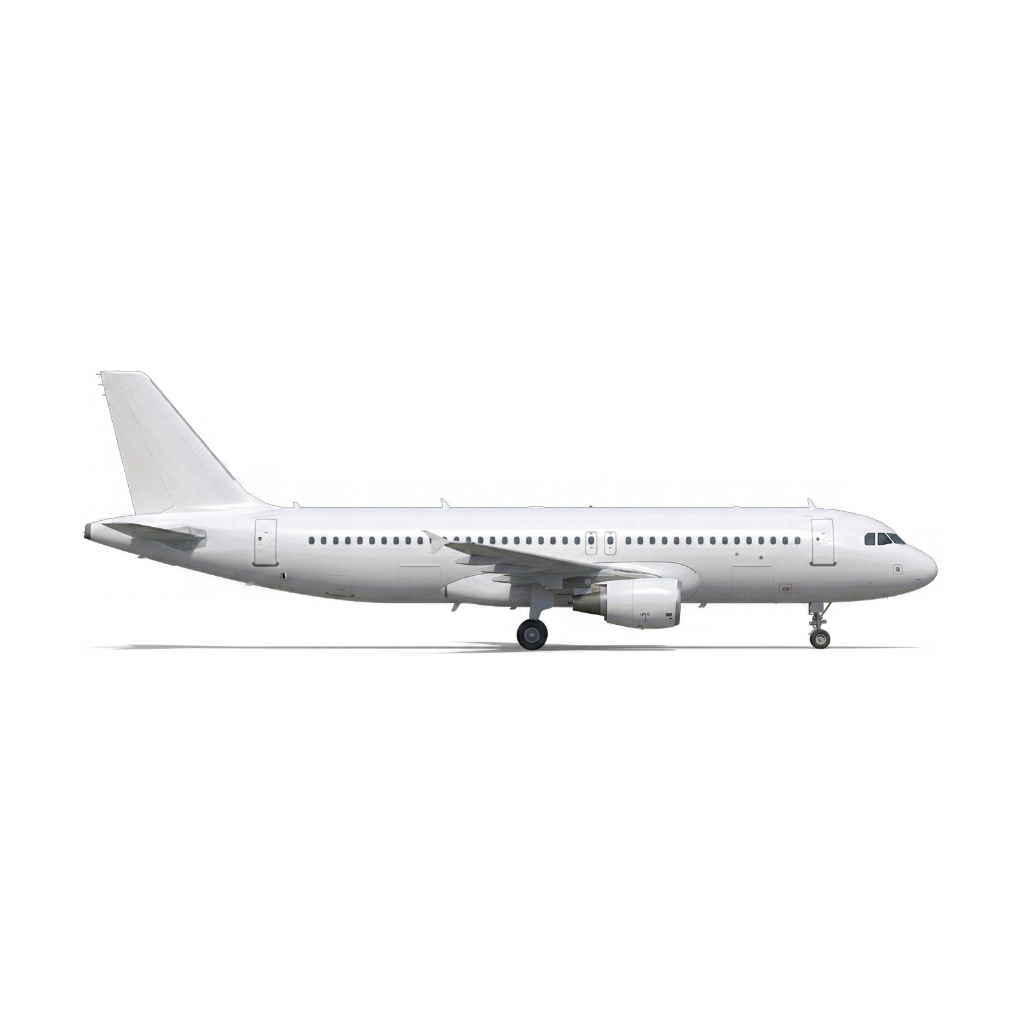
Result (Air France A320, right profile):
4. Inspect without downloading
To see what the API resolved without downloading the image, add format=json:
curl -H "x-api-key: YOUR_KEY" \
  "https://api.aeromodel.dash-systems.fr/v1/images/plane?plane=A320&airline=AF&format=json"
Response:
{
  "plane": { "slug": "airbus-a320-200", "iata": "320", "icao": "A320" },
  "airline": { "slug": "air-france", "iata": "AF", "icao": "AFR" },
  "liveryType": "base",
  "assetKey": "liveries/airbus-a320-200/air-france/base/90/down/...png",
  "manifestVersion": "2026-04-29T18:03:11Z"
}
See format for details.
5. Going further
- Test each parameter individually: Parameter reference
- Understand caching to reduce cost: Edge cache
- List available planes / airlines:
/v1/catalog/*