
AeroModel
Documentation
zoomLevel
Zoom multiplier applied to the framing.
Range
- Min:
0.5(image 2× smaller) - Max:
3(image 3× larger, may overflow the canvas) - Default:
1 - Step: 0.01 (rounded to 2 decimals)
API examples
GET https://api.aeromodel.dash-systems.fr/v1/images/plane?api-key=YOUR_KEY&plane=A320&airline=AF&zoomLevel=0.5
GET https://api.aeromodel.dash-systems.fr/v1/images/plane?api-key=YOUR_KEY&plane=A320&airline=AF&zoomLevel=1
GET https://api.aeromodel.dash-systems.fr/v1/images/plane?api-key=YOUR_KEY&plane=A320&airline=AF&zoomLevel=1.5
GET https://api.aeromodel.dash-systems.fr/v1/images/plane?api-key=YOUR_KEY&plane=A320&airline=AF&zoomLevel=2.5
Visuals (A320, profile 90°, contain, marginPercent=8)
zoomLevel=0.5 | zoomLevel=1 (default) | zoomLevel=1.5 | zoomLevel=2.5 |
|---|---|---|---|
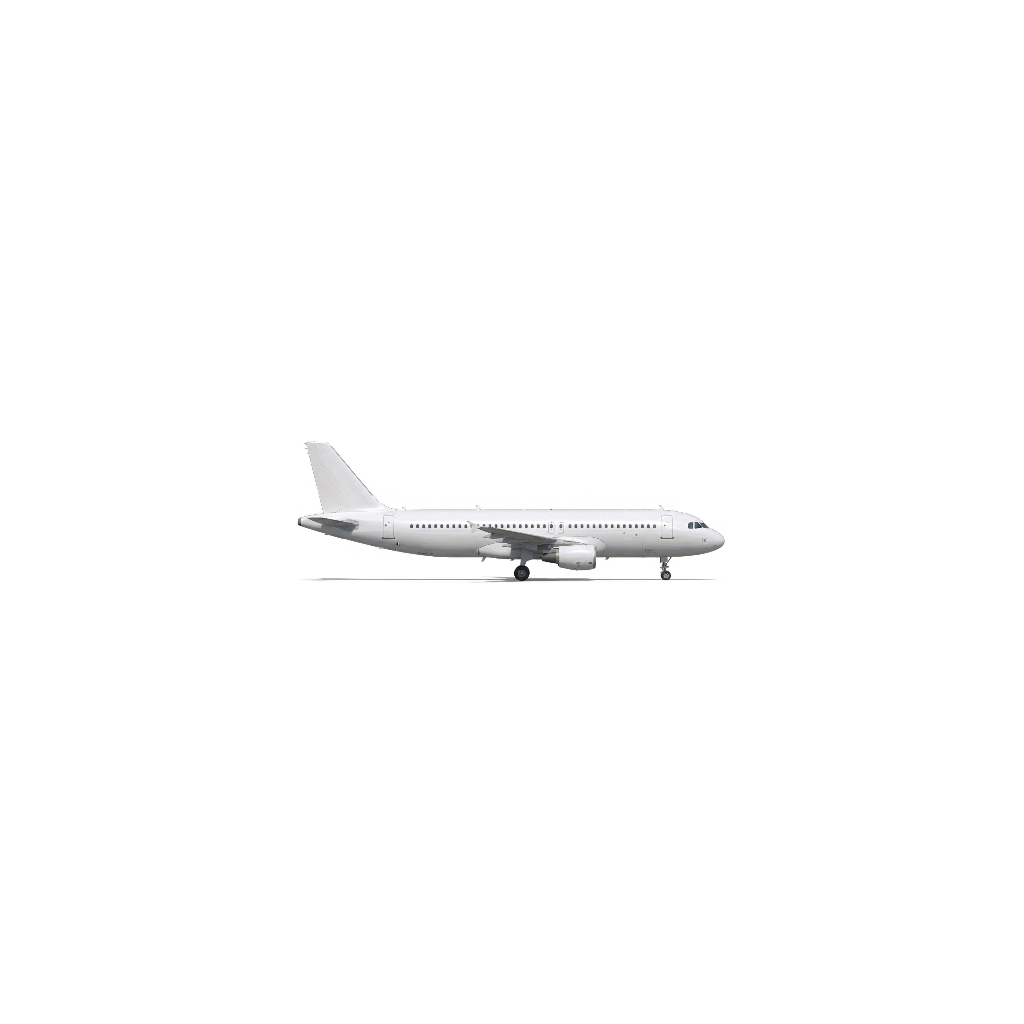 | 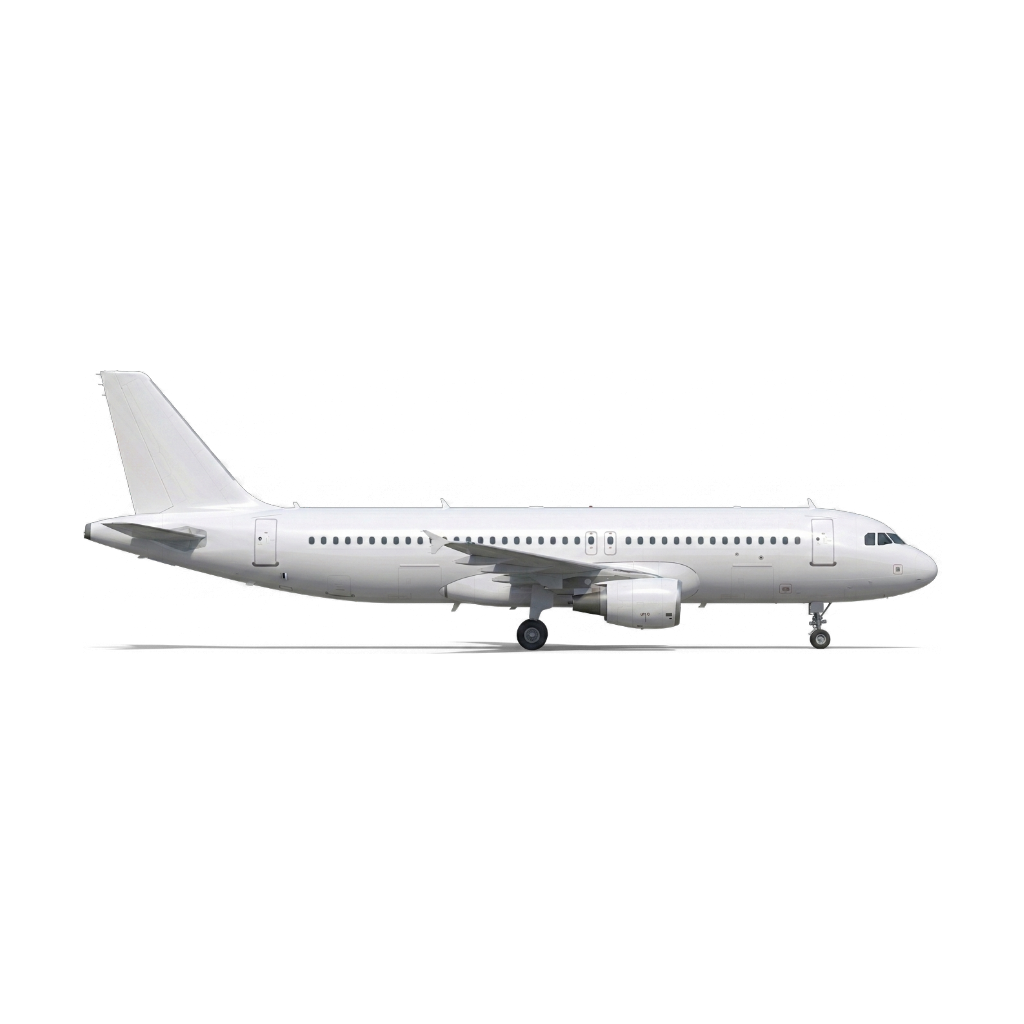 | 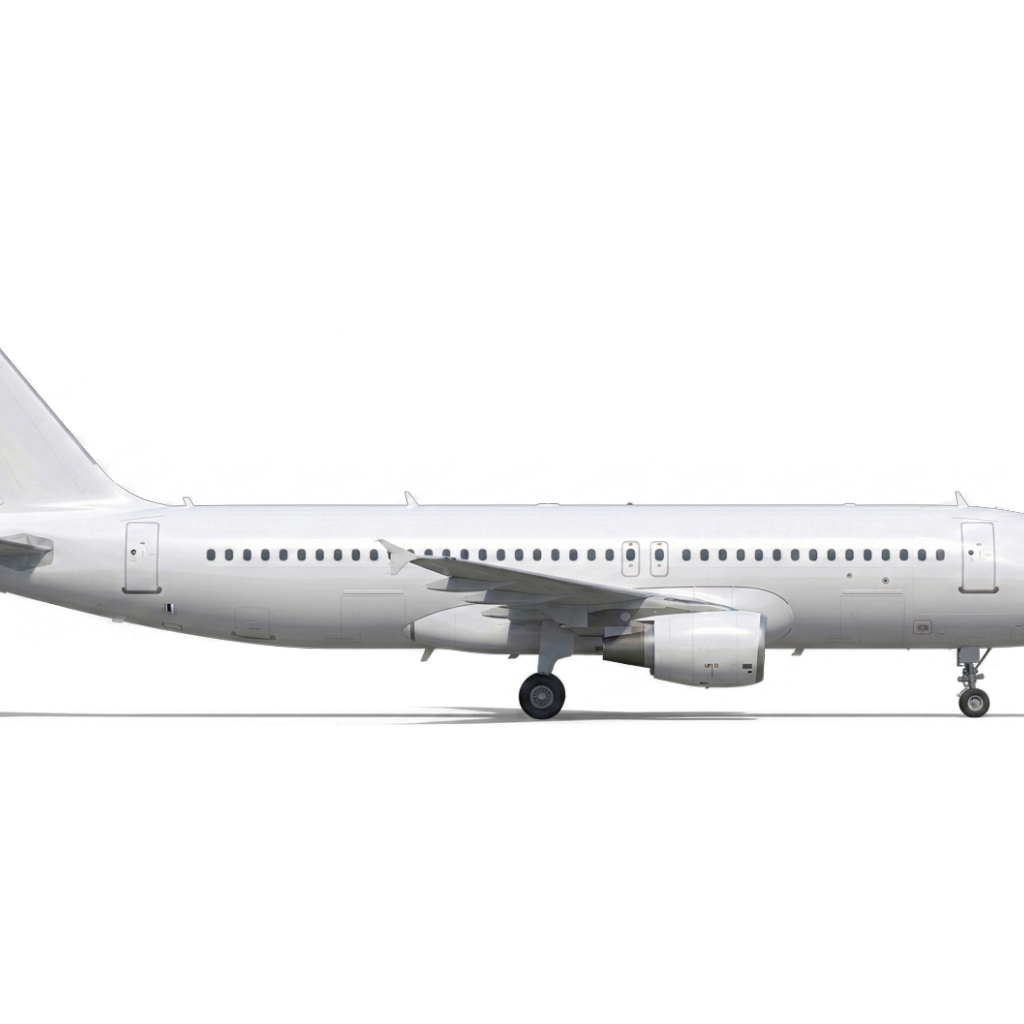 | 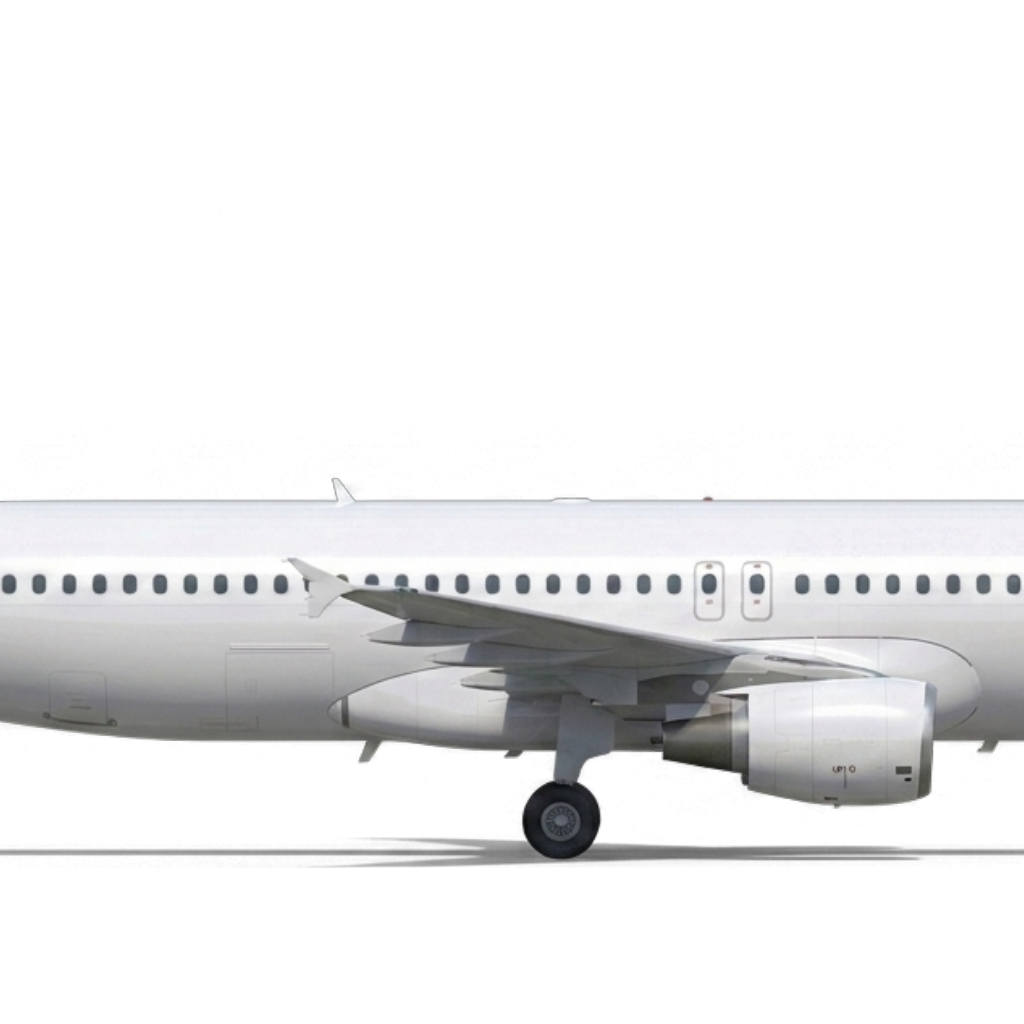 |
Combine with zoomType
contain+zoomLevel<1: smaller aircraft with more space around.contain+zoomLevel>1: aircraft may begin to overflow the canvas (magnifier effect).fill+zoomLevel>1: even tighter crop.
Use cases
| Context | zoomLevel |
|---|---|
| Compact / mobile view | 0.7 |
| Standard | 1 |
| Hero focused on engines/cockpit | 1.5-2 |
| Extreme close-up | 2.5-3 |
Precision note
The API rounds to 2 decimals (1.234567 → 1.23) server-side and in cache keys. To stabilize your URLs client-side, always send 1 or 2 decimals (1.5, 0.75).