zoomType
Aircraft framing strategy in the canvas.
Values
| Value | Description |
|---|
contain (default) | Whole aircraft visible, ratio preserved. Empty/transparent space around if needed. |
fill | Aircraft fills the canvas in one dimension, may be cropped in the other. |
API examples
GET https://api.aeromodel.dash-systems.fr/v1/images/plane?api-key=YOUR_KEY&plane=A380&airline=EK&angle=90&zoomType=contain
GET https://api.aeromodel.dash-systems.fr/v1/images/plane?api-key=YOUR_KEY&plane=A380&airline=EK&angle=90&zoomType=fill
Visuals (A380 at angle 90°)
zoomType=contain | zoomType=fill |
|---|
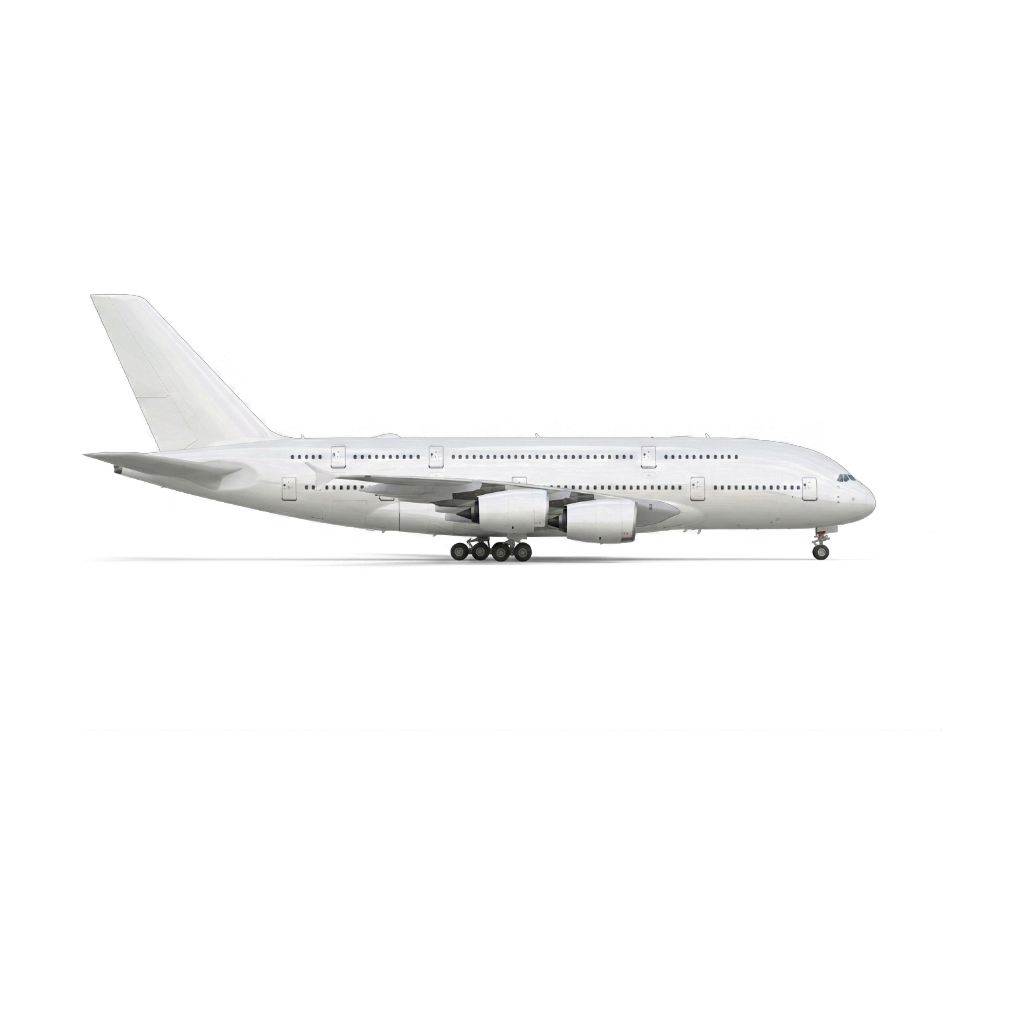 | 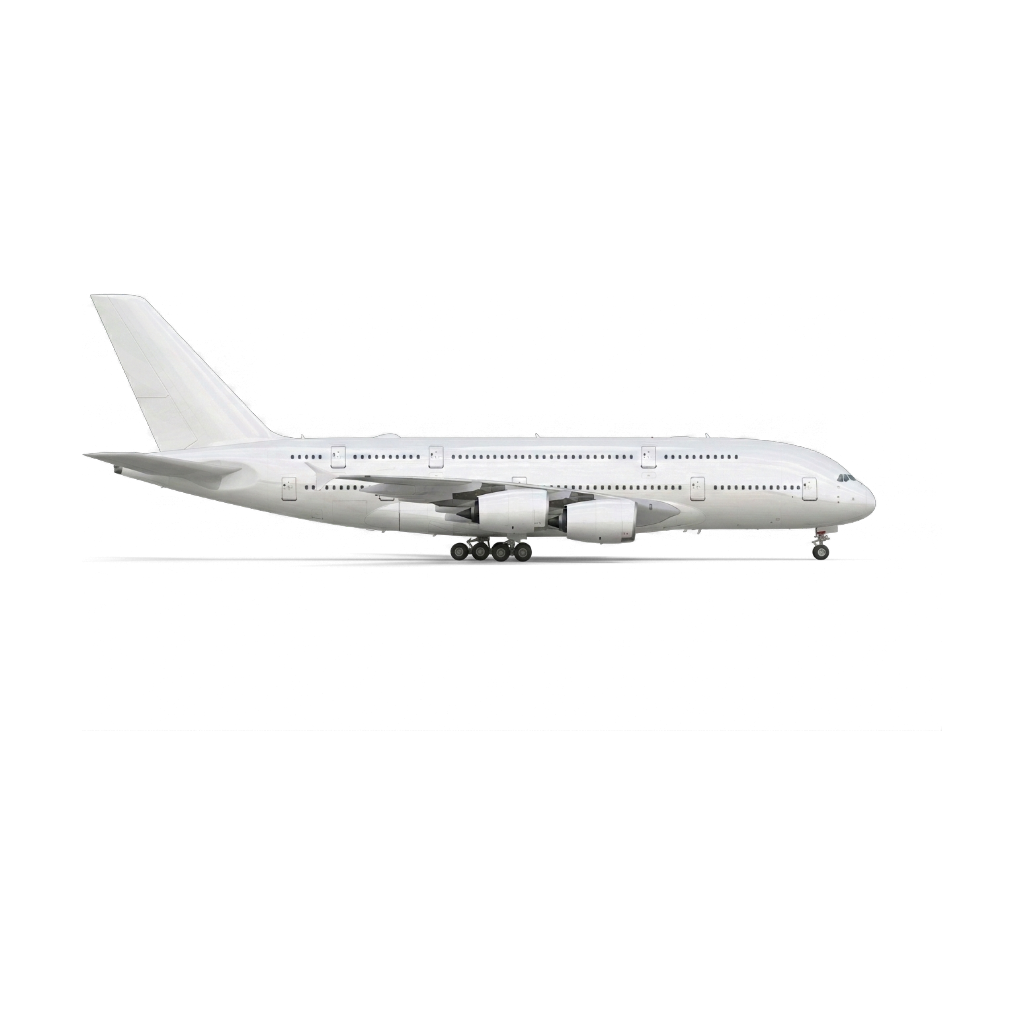 |
Combine with zoomLevel and marginPercent
contain + marginPercent=8 (default): aircraft centered with 8% margin on each side.contain + marginPercent=0: aircraft edge-to-edge, ratio preserved.fill + zoomLevel=1.5: tight zoom, aggressive crop.
Use cases
| Context | zoomType |
|---|
| Catalog, card list | contain |
| Detail / product view | contain |
| Full-screen hero | fill |
| Square avatar / icon | fill |
Fleet comparison (scale=fleet) | contain (required to preserve ratios) |
Errors
GET https://api.aeromodel.dash-systems.fr/v1/images/plane?api-key=YOUR_KEY&plane=A320&zoomType=stretch&format=json
→ 400 { "error": "invalid render options", "details": ["zoomType must be contain or fill"] }
See also
