
AeroModel
Documentation
backgroundGradient
Multi-stop linear gradient background. Composed on the fly.
Format
backgroundGradient=linear:<angleDegrees>:<color1>-<offset1>,<color2>-<offset2>[,...]
| Field | Description |
|---|---|
linear | Gradient type (only one currently supported) |
angleDegrees | Gradient angle: 0 = bottom→top, 90 = left→right, 180 = top→bottom, 270 = right→left |
color-offset | Hex color + offset between 0 and 1 (stop position) |
Minimum 2 stops required.
API examples
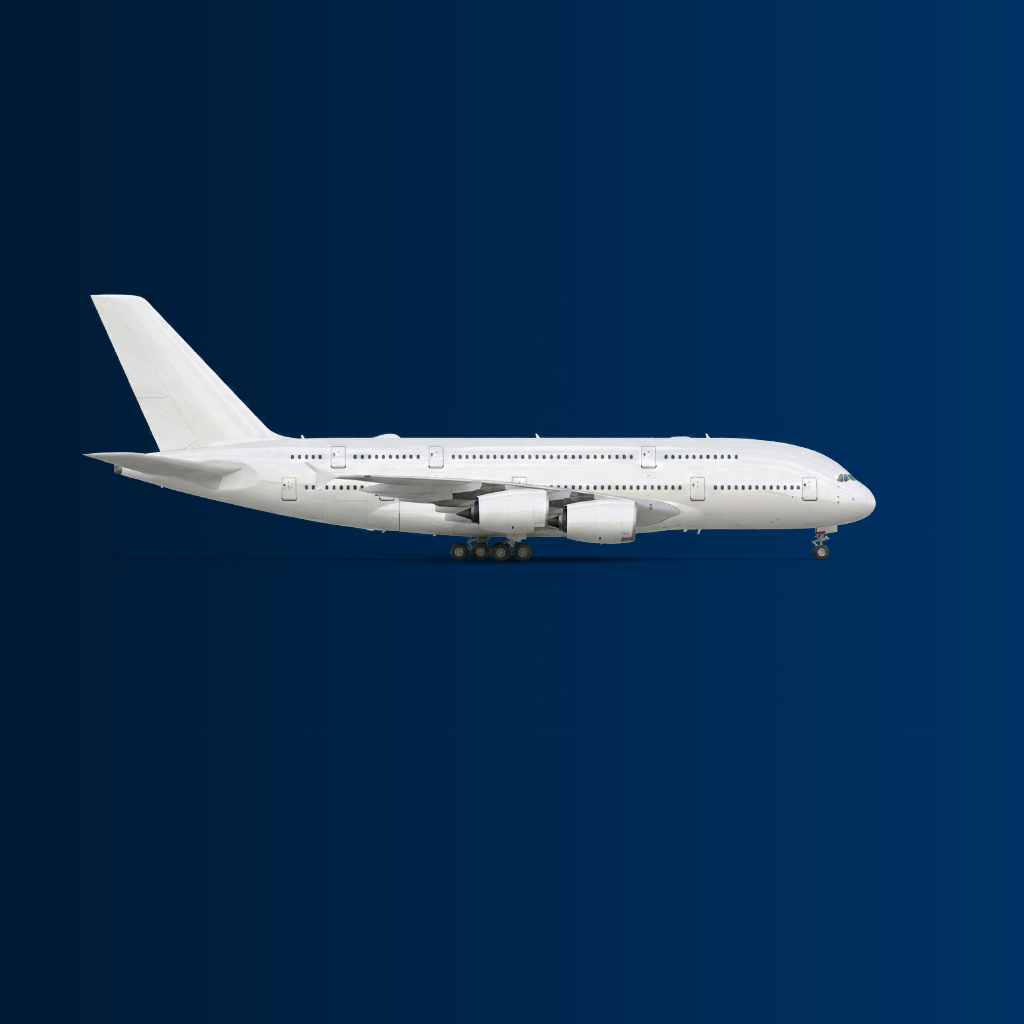
Vertical navy
GET https://api.aeromodel.dash-systems.fr/v1/images/plane?api-key=YOUR_KEY&plane=A380&airline=EK&backgroundGradient=linear:0:%23001a33-0,%23003366-1
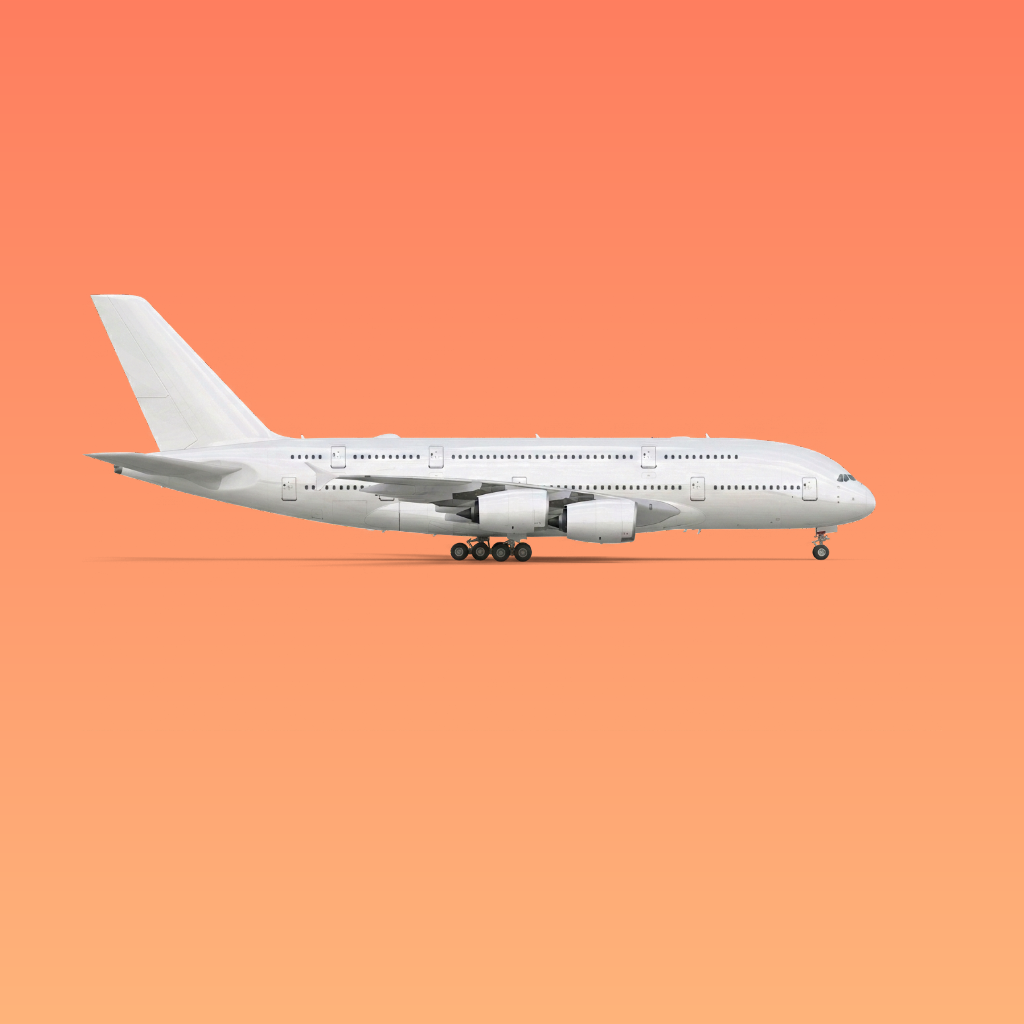
Horizontal sunset
GET https://api.aeromodel.dash-systems.fr/v1/images/plane?api-key=YOUR_KEY&plane=A320&airline=AF&backgroundGradient=linear:90:%23ff7e5f-0,%23feb47b-1
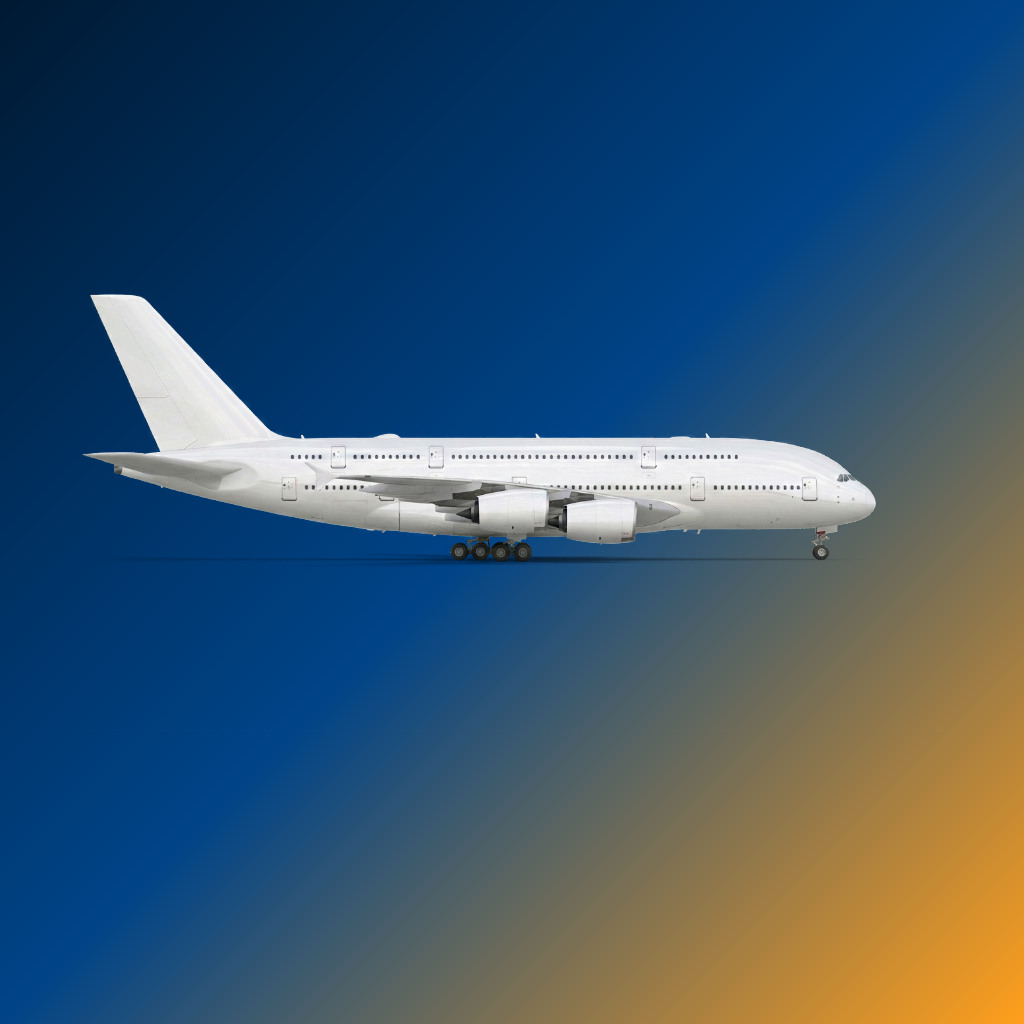
Diagonal tri-color
GET https://api.aeromodel.dash-systems.fr/v1/images/plane?api-key=YOUR_KEY&plane=A320&airline=AF&backgroundGradient=linear:45:%23001a33-0,%23004488-0.5,%23ff9f1c-1
URL encoding
The # of hex colors must be encoded as %23. Full example:
GET https://api.aeromodel.dash-systems.fr/v1/images/plane?api-key=YOUR_KEY&plane=A380&airline=EK&backgroundGradient=linear:0:%23001a33-0,%23003366-1
Typical combinations
| Effect | Spec |
|---|---|
| Day sky | linear:0:%2387ceeb-0,%23ffffff-1 |
| Night sky | linear:0:%23000010-0,%23001a33-1 |
| Sunset | linear:90:%23ff7e5f-0,%23feb47b-1 |
| Aurora | linear:0:%23ff9966-0,%23ff5e62-0.5,%23845ec2-1 |
| French flag | linear:90:%23002395-0,%23ffffff-0.5,%23ed2939-1 |
Precedence
If background AND backgroundGradient are both provided: backgroundGradient wins.
Errors
GET https://api.aeromodel.dash-systems.fr/v1/images/plane?api-key=YOUR_KEY&plane=A320&backgroundGradient=foo&format=json
→ 400 { "details": ["backgroundGradient must be linear:<deg>:<color>-<offset>,..."] }
Causes:
- Type ≠
linear - Non-numeric angle
- < 2 stops
- Offset outside [0, 1]
- Invalid hex color
Response header
x-compose-background: gradient:linear
See also
background— solid background